Patta Chitta Name Search: Find Your Patta or Survey Number
You can’t search Patta Chitta by owner name on the Tamil Nadu e-Services portal. The View Patta / Chitta / FMB page accepts only a patta number or a survey number. So the real job is finding one of those two numbers, and the documents you already hold usually have them.
What the Portal Accepts Instead of a Name
After you select the district, taluk and village, the portal asks how you want to view the record. It shows two choices, and nothing else:
| Option on the portal | What you get |
|---|---|
| Patta Number (Chitta Full Details) | The full chitta for that patta |
| Survey Number (Chitta With FMB) | The chitta for that one field, with its FMB sketch |
Both routes then ask for your 10-digit mobile number and an OTP. There is no field for a name, an Aadhaar number or a document number.
The search does work in the other direction. If you know the survey number, the extract shows the holder’s name and the patta number. That is how buyers check who a field is recorded under. Once you have either number, you can view patta chitta with the normal steps.
Patta Number or Survey Number: Which Is Which?
People often mix these up, and entering one in the other’s box is a common reason the search finds nothing.
| Patta number (பட்டா எண்) | Survey number (புல எண்) | |
|---|---|---|
| What it identifies | One patta (one holding) in that revenue village | One field, often with a sub-division, like 24/2 |
| Where it is printed | Patta Chitta extract, A-Register extract | Sale deed schedule, FMB sketch, Patta Chitta extract |
| How the portal uses it | Gives “Chitta Full Details” | Gives “Chitta With FMB” |
A patta number means something only inside its own village. That is why the portal makes you pick the district, taluk and village first. A single patta can cover several survey numbers.
Where to Find Your Survey Number or Patta Number
Start with the first source you have in hand and move down the list.
- Your registered deed. The property schedule (சொத்து விவரம்) lists the village, survey number and sub-division. Sale, gift, settlement and partition deeds all carry it.
- An old patta or chitta copy. The patta number is printed on it, next to பட்டா எண். Even an outdated copy gives you the number to search with.
- The Encumbrance Certificate. EC entries describe each registered document’s property, so the EC records for your land show the survey number used in past deeds.
- The A-Register extract. If you know only the survey number, this extract shows the patta number recorded for that field. Steps are below.
- A neighbour’s FMB sketch. The FMB sketch shows the neighbouring survey numbers around a field. If you know the survey number of the land next to yours, its sketch can point you to your own number.
- Your Village Administrative Officer (VAO). The VAO keeps the village land accounts and can tell you the survey and patta numbers for your land.
Get the patta number from the A-Register
- Open the e-Services portal and click View A-Register Extract – (Rural / Natham).
- Select the district, taluk and village.
- Choose the land type: Rural or Natham.
- Type the survey number and pick the sub-division. For 24/2A, type 24 and pick 2A. If the number has no sub-division, pick “-“.
- Enter your 10-digit mobile number, click Get OTP, and type the OTP you receive.
- Click Submit. The extract lists the patta number along with the area, land type and holder for that field.
No Survey Number at All?
If you have no deed copy, no old patta and no EC, the online route ends here. The portal can’t list land by village or by person.
Go to the VAO of the village where the land is. Take whatever links you to the land: a land tax receipt, a family partition paper, or the names of neighbouring holders. If the VAO can’t trace it, the taluk office holds the village records.
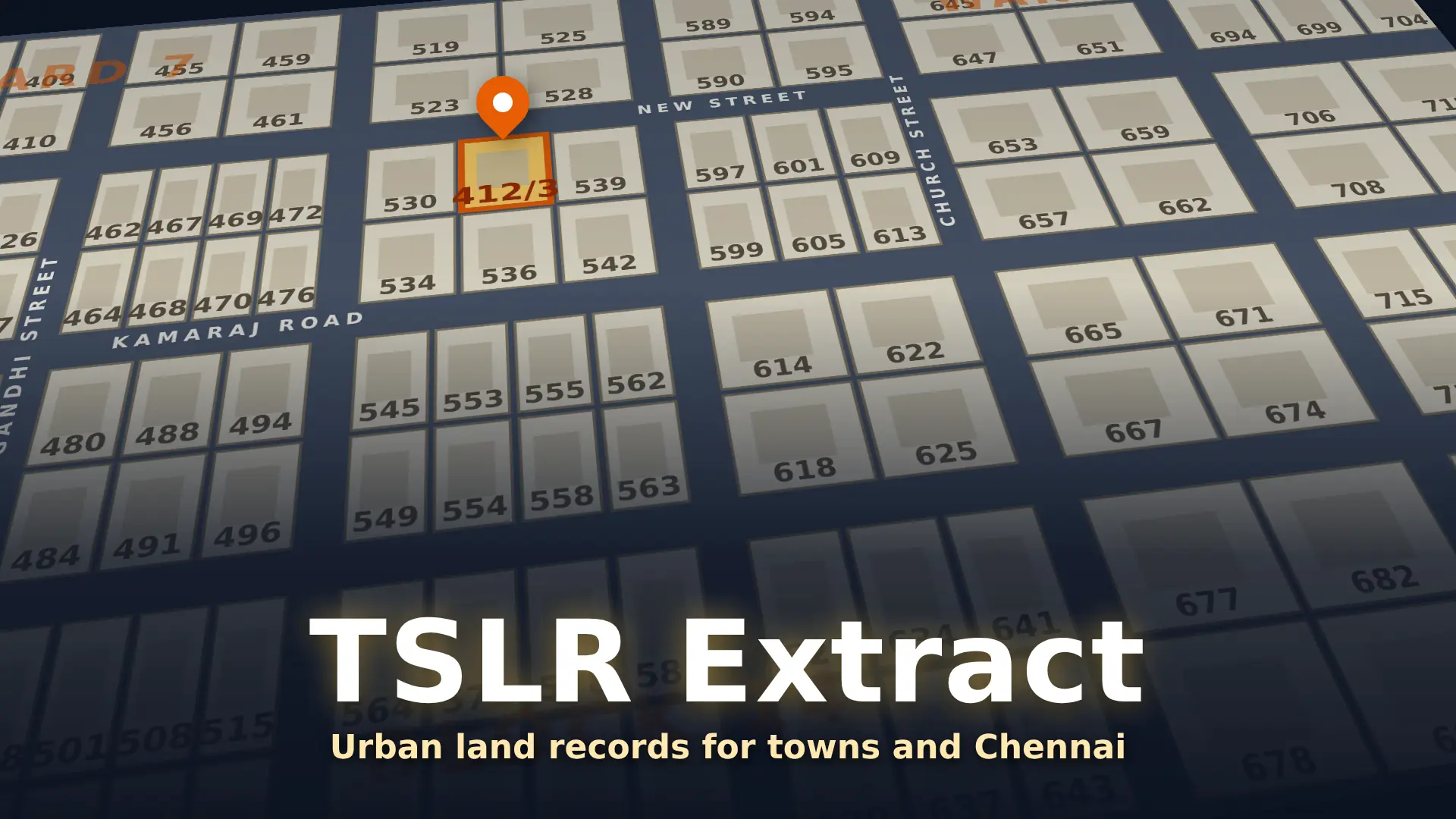
For land inside town survey areas, including Chennai, the record is a TSLR extract. It uses the town, ward, block and town survey number instead of a village survey number.
Your Deed Has an Old Survey Number
Old deeds sometimes quote a survey number from an earlier survey. If that number gives no result, check the correlation statement, which matches old survey numbers to the numbers used now.
- On the e-Services home page, under related links, click Correlation Statement – Scanned. It opens the Commissionerate of Survey and Settlement site.
- Select the DISTRICT, TALUK and Town/Village.
- Click Submit. A scanned register opens as a PDF.
The register is handwritten and long, so search page by page for your old number. Coverage is limited. In the taluks we checked, the list offered only the town entries marked (U), and some taluks offered none. The Correlation Statement – Computerized link on the same portal currently opens an error page.
If your village isn’t listed, the taluk survey office can match an old number to the current one.
A Document Number Is Not a Search Key
The number on your sale deed is the Sub-Registrar’s document number. It belongs to the registration records, not to the patta records, so the e-Services portal can’t search with it. Open the deed and read the survey number from the property schedule instead.
பெயர் வாரியான தேடல் உண்டா?
இல்லை. eservices.tn.gov.in இணையதளத்தில் பட்டா எண் அல்லது புல எண் மூலம் மட்டுமே தேட முடியும். புல எண் தெரியவில்லை என்றால், உங்கள் பத்திரத்தின் சொத்து விவரத்தில் பாருங்கள். பழைய பட்டா நகலில் பட்டா எண் இருக்கும். புல எண் மட்டும் தெரிந்தால், அ-பதிவேடு விவரத்தில் பட்டா எண்ணைப் பார்க்கலாம். இவை எதுவும் இல்லை என்றால், கிராம நிர்வாக அலுவலரை (VAO) அணுகுங்கள்.
Be Careful With “Name Search” Offers
Some private websites and apps say they can find land by owner name, often for a fee. Their results are not the government record. Viewing Patta Chitta on the official portal is free, and the official form has no name search. Whatever a private search shows, confirm it on the portal with the patta or survey number before you rely on it or pay any advance.